Mastering Multi-Network Scheduling for Small Businesses
Discover effective strategies for scheduling and auto-publishing posts across multiple social networks to boost engagement.
 By the Sosial team

The Importance of Multi-Network Scheduling
In today's digital landscape, reaching audiences across various platforms is essential for small businesses. Multi-network scheduling allows you to manage multiple accounts seamlessly, ensuring your content is seen where it matters most.

Understanding Your Audience's Behavior
Different platforms attract different demographics. Understanding where your audience spends their time can guide your scheduling strategy. For instance, younger audiences might engage more on TikTok, while professionals lean towards LinkedIn.
Creating a Cohesive Content Strategy
To effectively schedule posts, your content must resonate with each platform's audience. Crafting a cohesive strategy involves:
- Identifying platform-specific content types
- Aligning your brand voice with audience expectations
- Utilizing images and videos that suit each network
Utilizing Sosial's Scheduling Features
Sosial offers a powerful dashboard to plan and design your posts. With features like the content calendar, you can easily visualize your strategy and ensure consistent posting across channels. Preview how your posts will appear on each network before they go live.
Crafting Engaging Content with AI
Writing captivating captions and posts can be time-consuming. Sosial's AI caption and post writing tools can help streamline this process, generating engaging content that resonates with your audience across different platforms.
Analytics: Measuring Success Across Networks
Analyzing your performance is crucial for refining your strategy. Sosial provides analytics on posts, followers, and engagement rates, allowing you to see what works and what doesn’t across multiple networks.
Streamlining Approvals for Team Collaboration
If you're working with a team, Sosial's approval workflow can ensure that posts meet your brand's standards before they go live. This feature is especially useful for agencies managing multiple clients.
Tips for Effective Multi-Network Scheduling
- Use a content calendar for planning
- Schedule posts during peak engagement times
- Test different content formats to see what resonates

Frequently asked questions
What is multi-network scheduling?
Multi-network scheduling involves planning and publishing posts across different social media platforms from a single dashboard.
How can Sosial help with scheduling?
Sosial provides tools for content planning, auto-publishing, and analytics, making multi-network scheduling efficient.
Why is scheduling important for small businesses?
Scheduling helps maintain consistency and ensures your content is posted at optimal times for audience engagement.
Can I use AI for content creation?
Yes, Sosial offers AI tools to generate captions and posts, saving time while ensuring quality.
In conclusion, mastering multi-network scheduling can elevate your social media strategy. By utilizing Sosial's powerful tools, you can streamline your workflow, enhance engagement, and grow your brand effectively. Try Sosial today at sosial.app!
Questions about Sosial
What is the cheapest social media management tool?
Compare what you get per dollar, not just the sticker price. Sosial is free for 3 channels, then $15 a month (Solo, 6 channels, unlimited scheduled posts), $39 a month (Team, 25 channels, 5 members) or $99 a month (Business, 100 channels, unlimited members). At 25 channels and monthly billing that is $39 against $49 on Postiz, $110 on Later, $120 on Buffer and $299 on Hootsuite (checked 24 Nov 2026). Paying yearly lowers each plan, for example Solo is $144 a year.
How do social media scheduling tools work?
You connect your accounts once through each network’s official login, then write a post, choose channels and a time. The scheduler stores it in a queue and, at that time, publishes it through the networks’ APIs, retrying if a network is briefly down. Sosial also checks each network’s limits before posting and tells you when something needs attention.
Which social media management tool supports the most platforms?
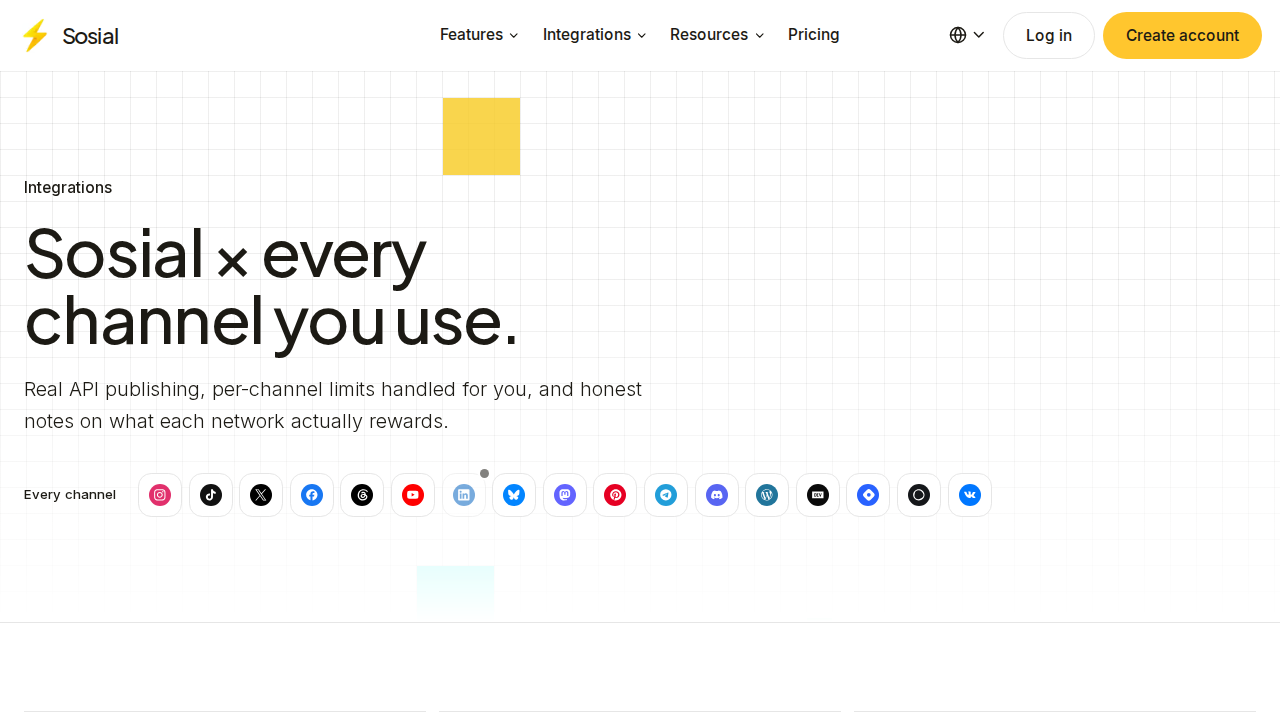
Sosial publishes to 17 kinds of channels from one composer: Instagram, TikTok, X, Facebook, Threads, YouTube, LinkedIn (profiles and Company Pages), Pinterest, Bluesky, Mastodon, Telegram, Discord, VK, and the blogs WordPress, Ghost, Dev.to and Hashnode, with Google Business Profile coming soon. That covers social feeds, short video, communities and long-form publishing in one place.
Can AI automate social media posting?
Yes, with a human in control. In Sosial the AI writer drafts a post from a rough idea and adapts it per network, the Studio can turn it into designed cards, keyword rules answer common comments automatically, and the queue publishes on schedule. You can keep everything as drafts for review, or let approved posts go out on their own.


